Comparison example#
Choose the format#
| Goal | Start with |
|---|---|
| A strong campaign introduction | Editorial spotlight, Hero slideshow, Split banner, Video banner. |
| A longer narrative | Brand story, Story chapters, Editorial feature, Rich text. |
| An image-led product edit | Editorial product edit, Shop the look, Product showcase. |
| Explain a difference | Before/after slider, Multi-column grid, Product highlights. |
| Answer practical questions | FAQ accordion, FAQ directory, Support cards. |
| Introduce people or social proof | Team portraits, Testimonials, Product reviews. |
Before/after setup#
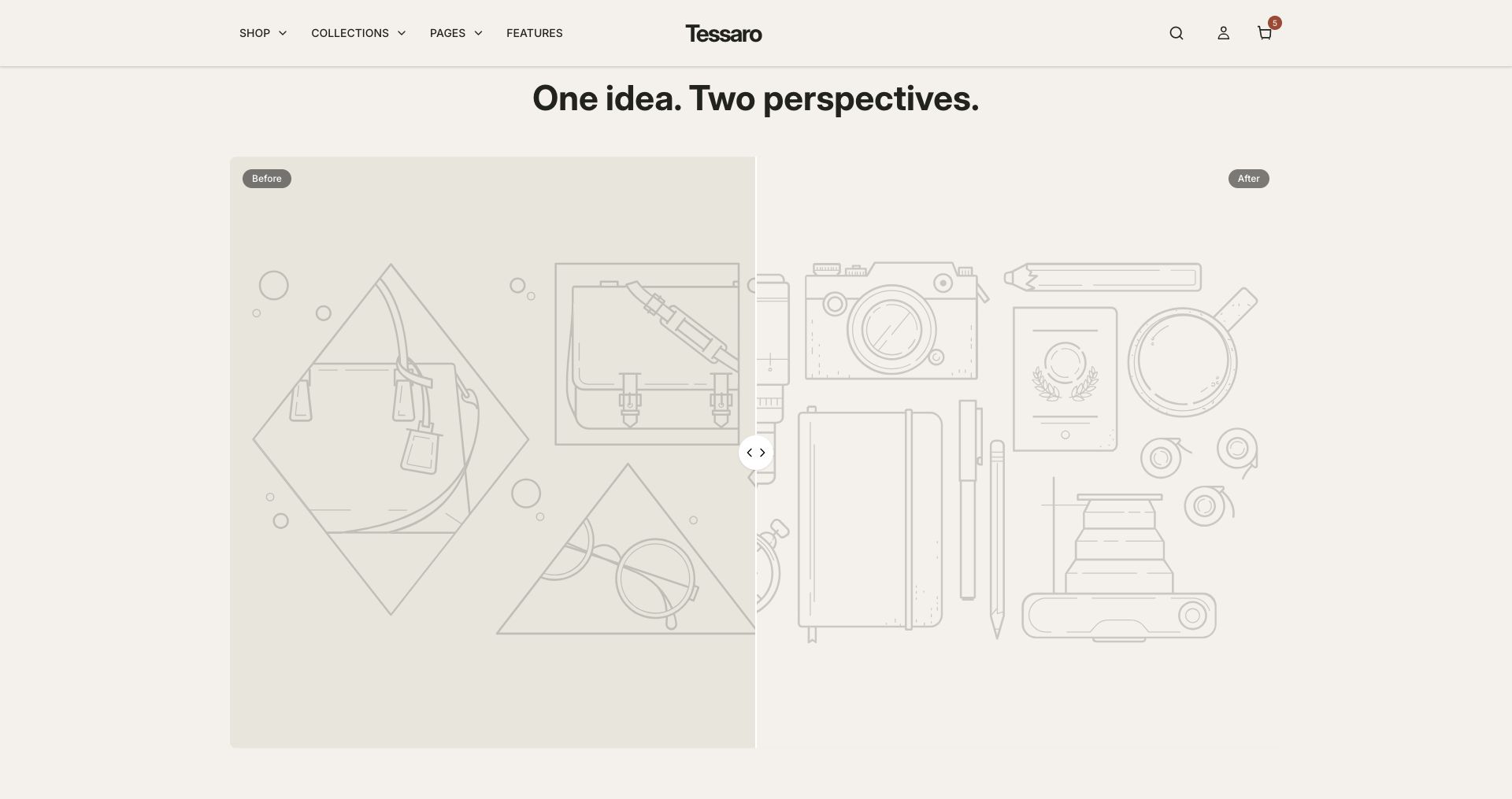
Connect the Before and After images, labels and initial position. Use matching framing. Verify dragging and keyboard controls. Do not imply a result that the images do not accurately demonstrate.
Shop the look setup#
Choose the image, add hotspot/product blocks, select each actual product, and set the position controls exposed by the section. Test every point and product link on desktop and mobile. An empty product picker does not create a shoppable point.
Reviews and social content#
Use genuine reviews and permission-cleared images. Testimonials and review cards are authored theme content, not an automatic review-collection service. Instagram feed is a manually configured image grid with links; it is not an authenticated live Instagram feed.