Explore the editorial sections, product tools and thoughtful details you can bring together in your store.
Editorial freedom. Shoppable details. Your own point of view.
Bring your products and your story together with Tessaro. Build a distinctive home page, create product pages around the information your customers need, and make the everyday details of browsing and buying feel connected.
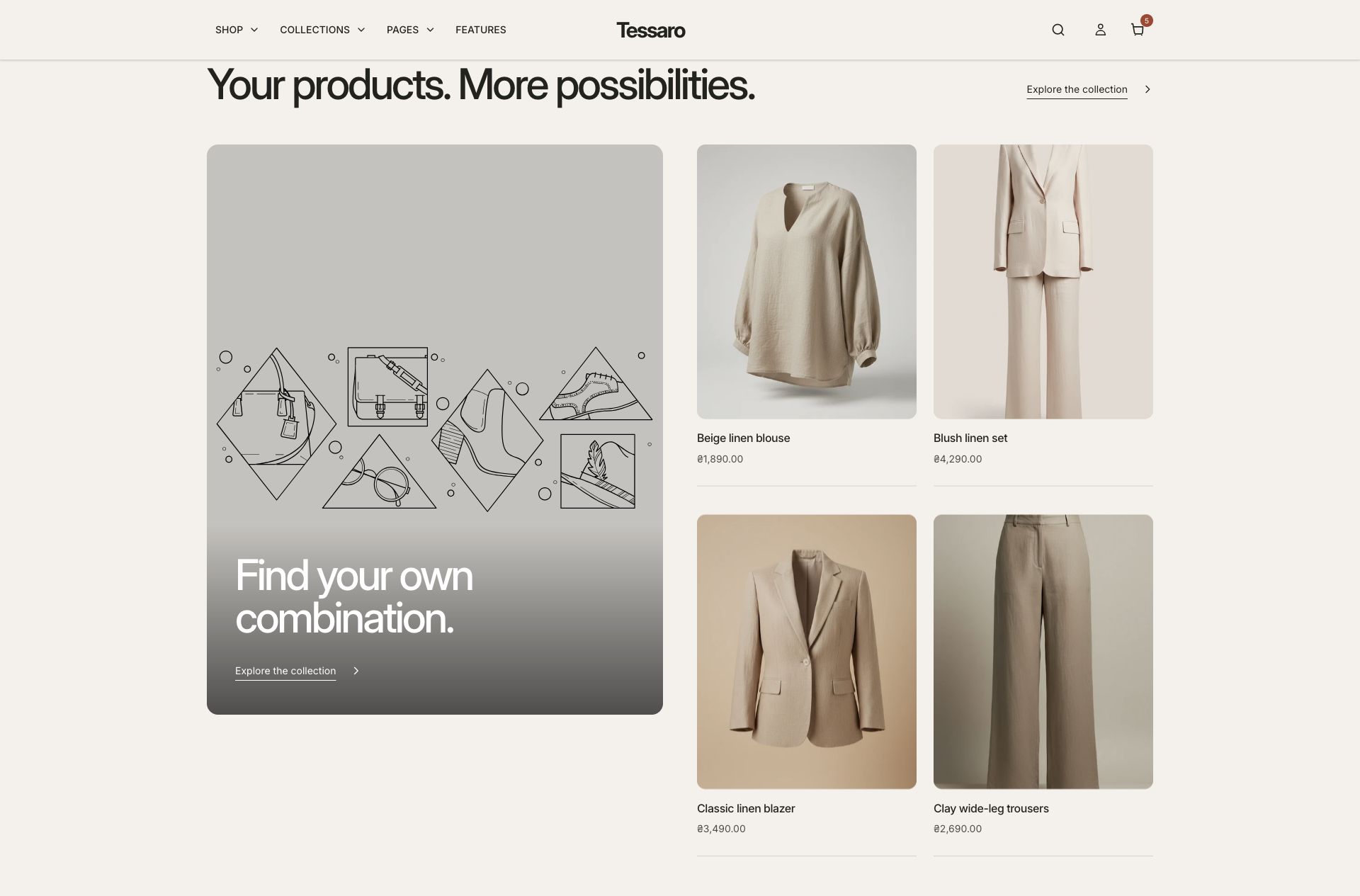
Editorial product edit combines a feature image, a short story and selected products. The illustration marks an image you can replace with your own photography.
The supplied home page gives you 13 sections to work with, from the first campaign banner to the final newsletter invitation. Keep the parts that suit your store, connect your own content, and hide or remove the rest. A step-by-step guide takes you through every section.
Choose a section for the kind of story you want to tell. Image-led layouts, interactive details and supporting content can work together on the same template.
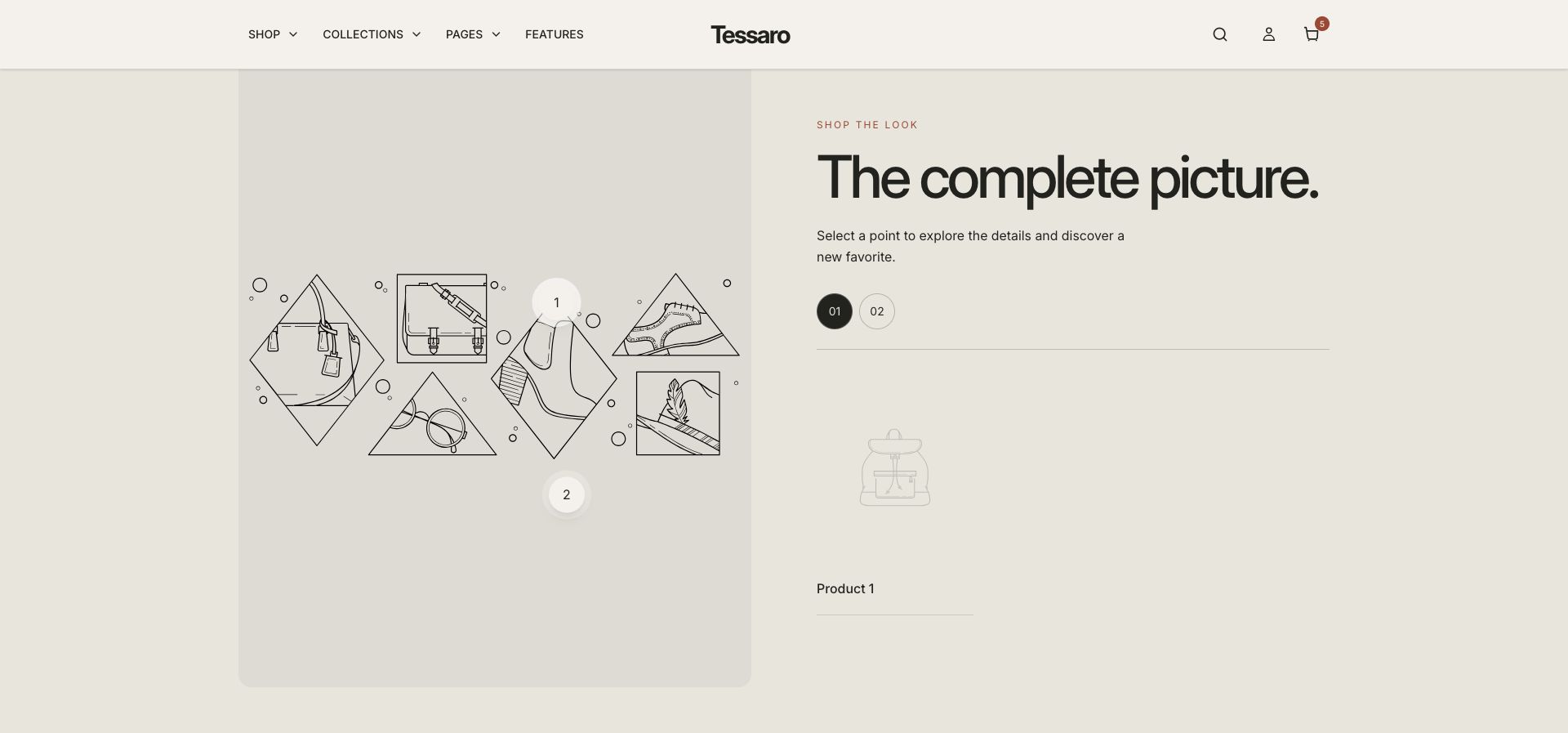
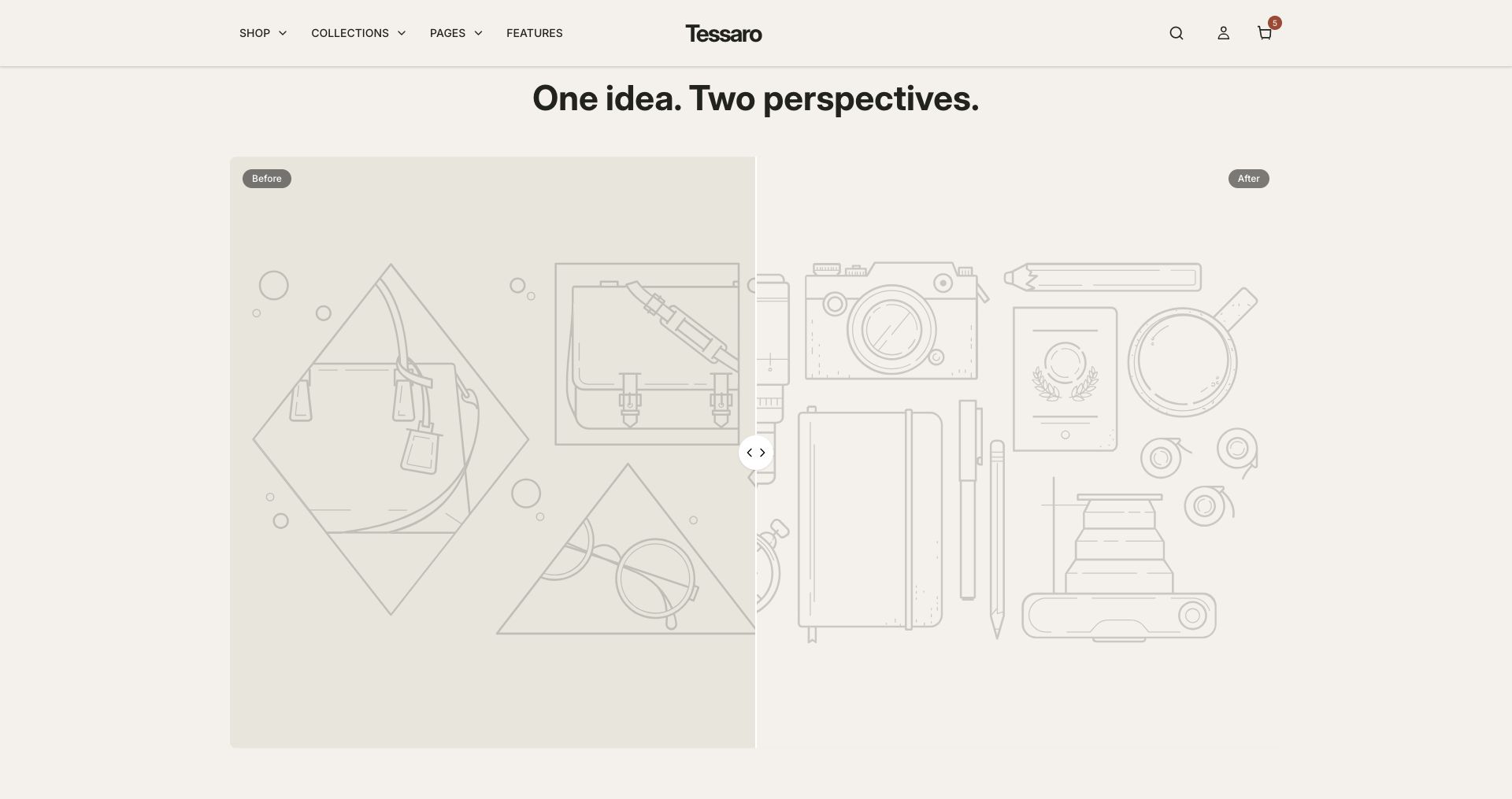
Shop the look connects the image to product points. Select your own image and products to replace the starter placeholders.Comparison slider is useful for showing a genuine visual difference. Choose matching framing for your before and after images.
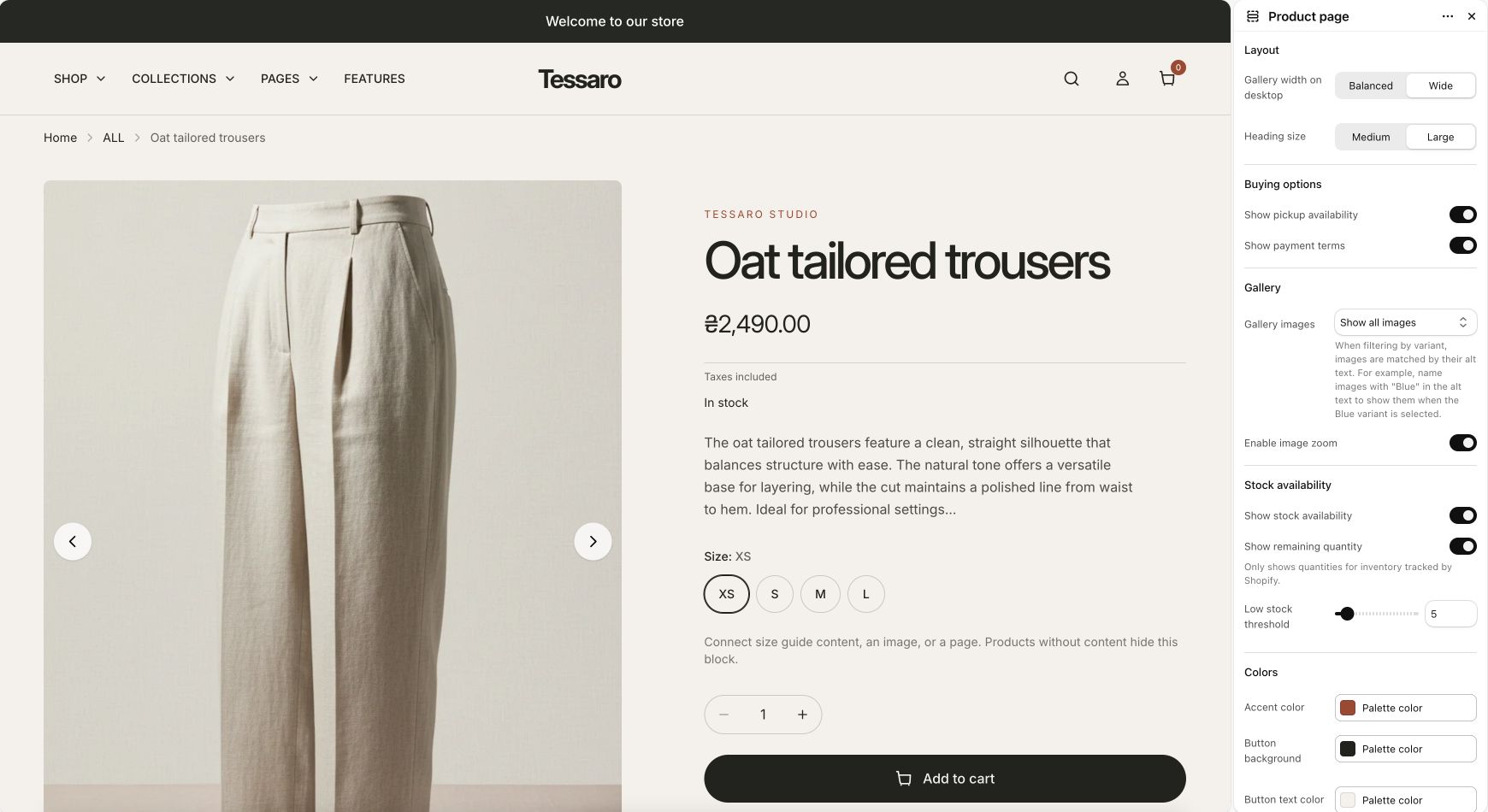
Arrange the main product information with configurable blocks. Bring media, options, useful detail and buying controls together, then add supporting sections where they earn their place.
Configure the gallery and buying presentation in Product page, then select individual blocks to arrange the information.
Store-dependent features such as pickup, subscriptions and B2B pricing require the relevant Shopify setup or compatible app. The linked guides explain which settings belong to the theme and which belong to Shopify.
There is more to Tessaro than the opening home page. Explore the library by the job you want a section to do. It also covers template-specific sections and shared helpers, so you can see where each item belongs.