Start with a safe working copy#
Add Tessaro to your theme library and open an unpublished copy. Prepare your products, collections and menus in Shopify before connecting them to the theme.
Make the header yours#
Open in the editor Header → Logo and Navigation
Start with the elements visitors use on every page.
- Enter your brand in Text logo or choose a Logo image. The example below uses Tessaro.
- Adjust the desktop and mobile logo widths, then choose your Main menu.
- Preview the links and utility icons. Keep the working theme unpublished until your content is ready.
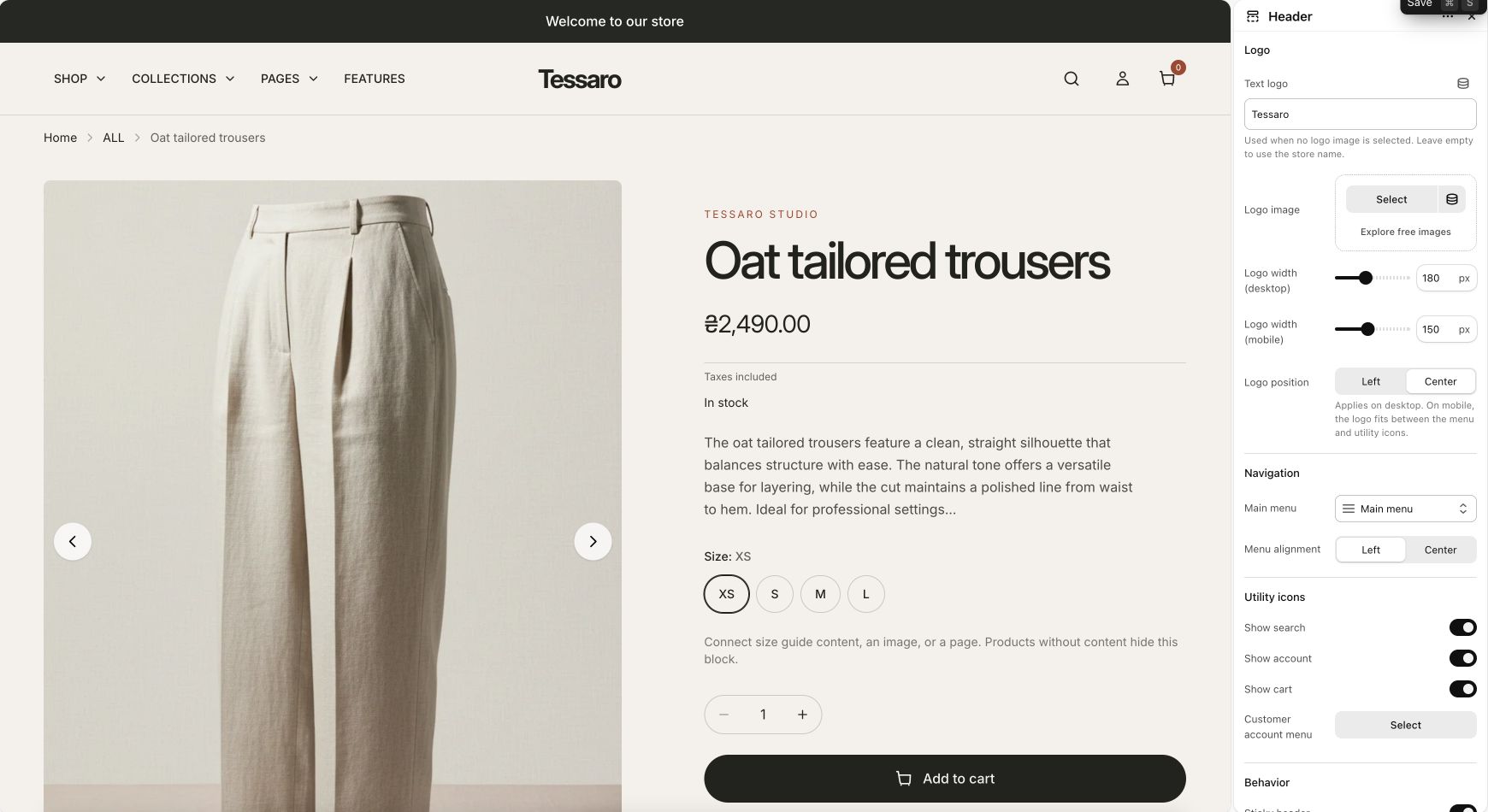
What to look for Your brand is recognizable and the menu points to your own collections and pages.
Build one section, then keep going#
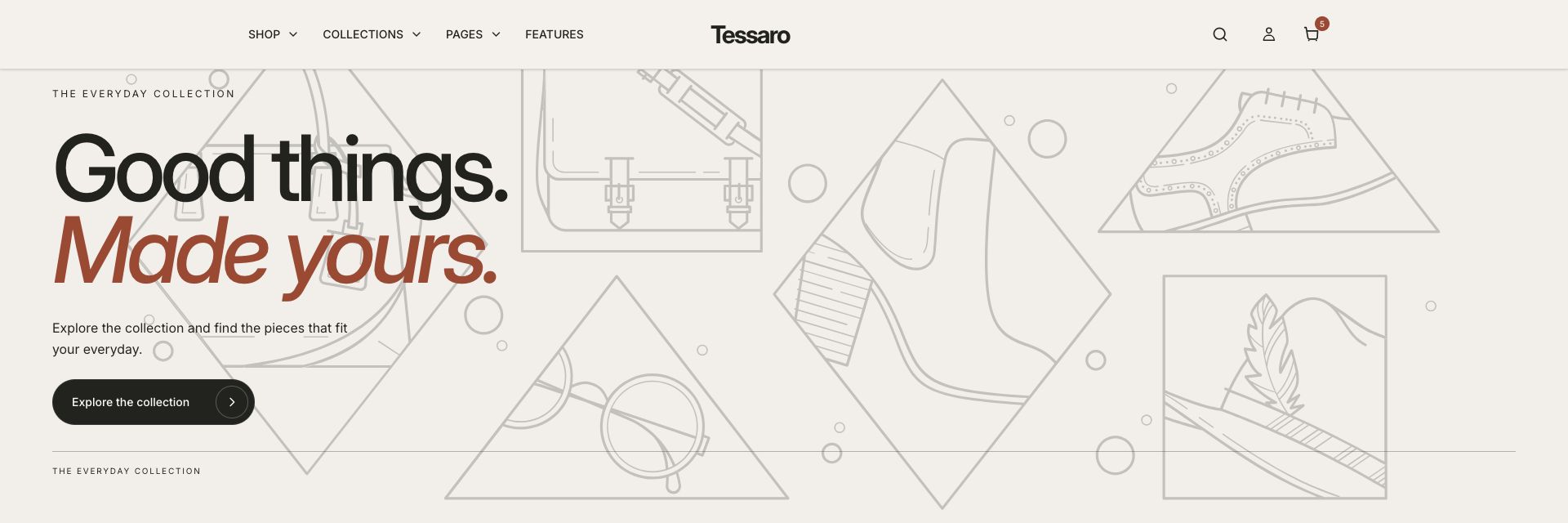
You do not need to learn every control at once. Begin with the first banner, connect your media and destination, then move through the home-page guide.
Check the phone experience#
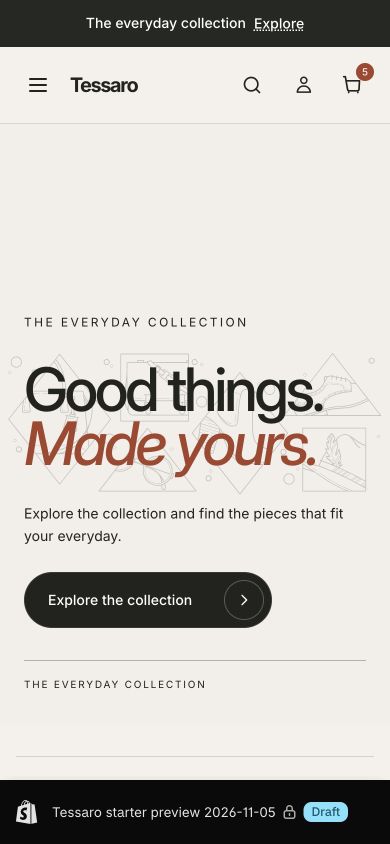
Use the mobile preview while editing, then open the actual storefront on a phone. Review the logo, menu, image crop, heading and button.
Before you publish#
Connect your real content, remove sample promises and review the launch checklist. Publishing is a separate decision after your setup is complete.