Help visitors find a product#
Open in the editor Header → Show search
Start with a familiar product name to understand the search experience.
- Enable search in Header.
- Open search in the storefront and enter a real product name.
- Review the suggestions and full results using your catalog.
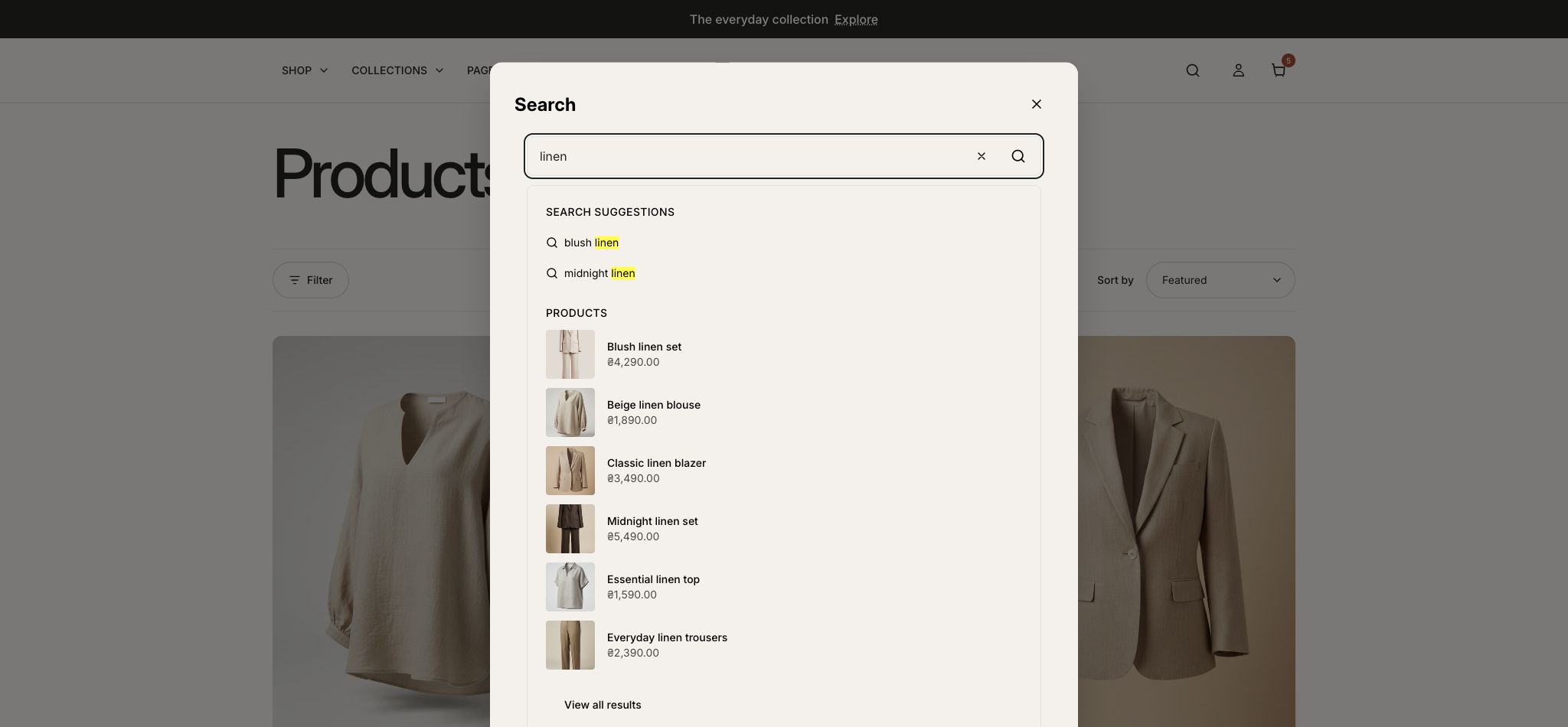
What to look for Search provides a useful route to the intended product.
Search surfaces#
The header can expose search. Predictive suggestions appear while typing where supported; submitting the form opens the full search results page. These are separate interfaces and can return different types or counts of content.
Set up discovery content#
- Enable Show search in Header.
- Review the search-related sections and their available settings in the section reference.
- Configure catalog data and Shopify Search & Discovery settings appropriate to your store.
- Test a known product name, an unavailable query, and a query containing quotation marks or punctuation.
What search does not control#
Indexing, matching and relevance are Shopify services. Theme presentation changes do not guarantee a particular ranking. If an exact product is missing, check product visibility and indexing before changing the theme.
Keyboard and mobile review#
- Open search from the header using a keyboard.
- Check navigation through suggestions and the submitted-results page.
- Check Clear search, Escape and return to the trigger.
- If the full results layout provides content-type controls, confirm the original query is preserved when switching types.